Chrome extension
Five Salesforce questions a day. Optional focus timer.
A Chrome extension for Salesforce developers and admins preparing for interviews or keeping sharp. Every day it serves the same five scenario questions to everyone, like a daily word puzzle. A practice arena holds 200 more. If you want it to, it can also pause YouTube and social media after a time limit until you pass a short quiz.
Chrome Web Store listing coming soon. Until then, install it unpacked from the zip below.
What it does
A daily habit for Salesforce interview prep
- A daily challenge: the same five Salesforce scenarios for everyone each day, one attempt, with a daily streak and a shareable result.
- A practice arena with 200 scenario MCQs: triggers, async Apex, governor limits, LWC, integration, security and sharing, flows, order of execution, DevOps and more. Practise by topic, difficulty, mistakes or bookmarks.
- An optional focus timer: one shared allowance across YouTube and social media. When it runs out, tracked tabs pause until you pass a short quiz. It stays off until you turn it on.
- Import your own questions as JSON or CSV to study anything else.
Focus timer sites (optional)
- YouTube
- X
- TikTok
- Snapchat
- Threads
- Twitch
- Tumblr
- Quora
- 9GAG
- LinkedIn (optional)
Plus any site you add.
How it works
Four steps, one timer
Step 1
Open the daily set
Five scenario questions, the same for everyone that day. One attempt, with explanations after each answer.
Step 2
Keep the streak
Come back tomorrow for a new set. Your daily streak, accuracy and rank build over time.
Step 3
Practise on demand
Drill any topic from the 200-question bank, or review only the questions you got wrong.
Step 4
Add focus if you want it
Turn on the focus timer and social tabs pause after your allowance, until you pass a quiz.
Screenshots
What you’ll see
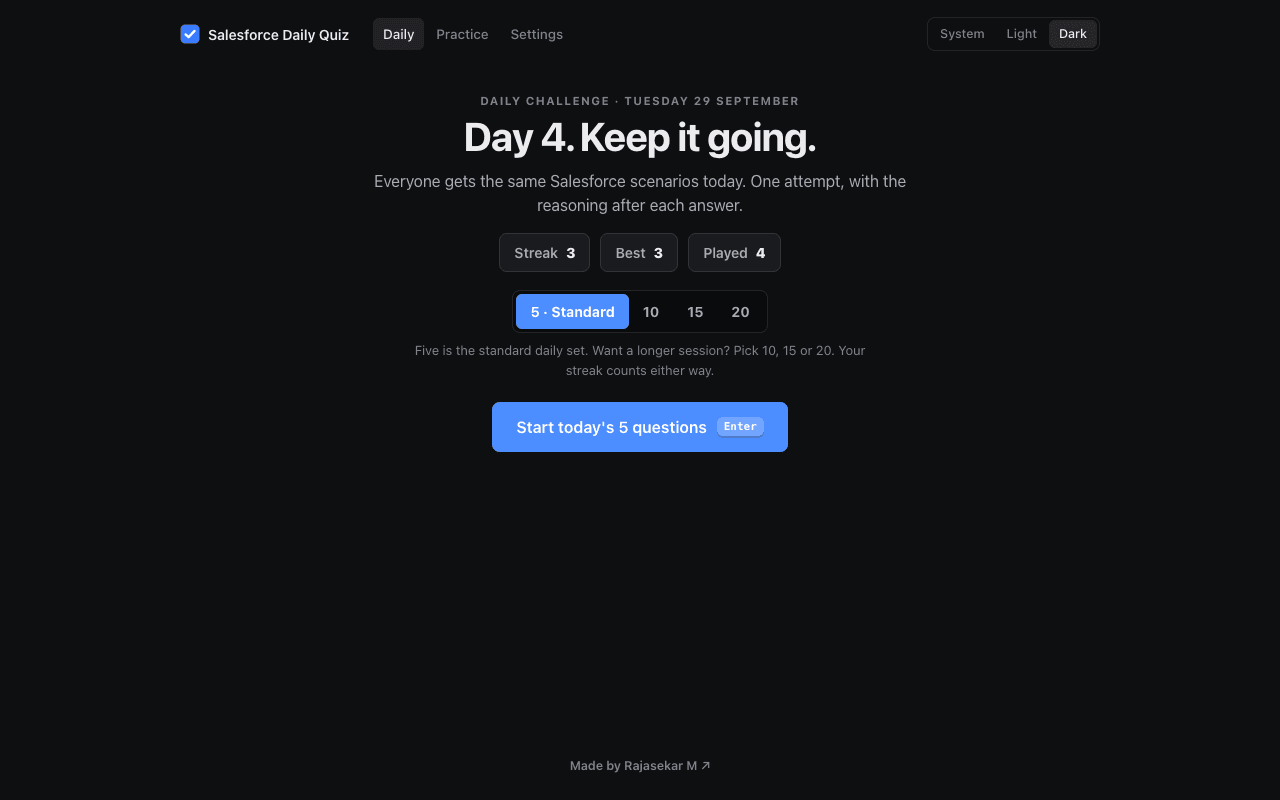
Daily challenge 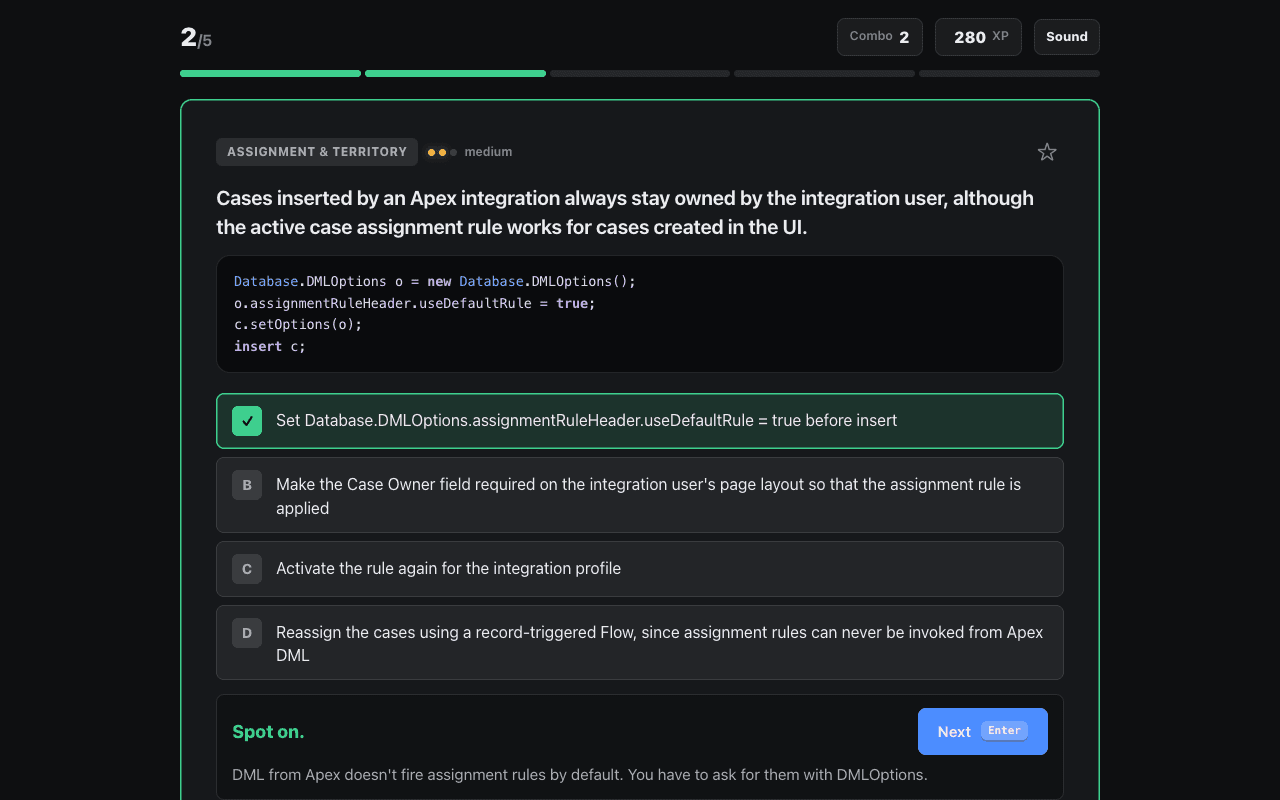
Question 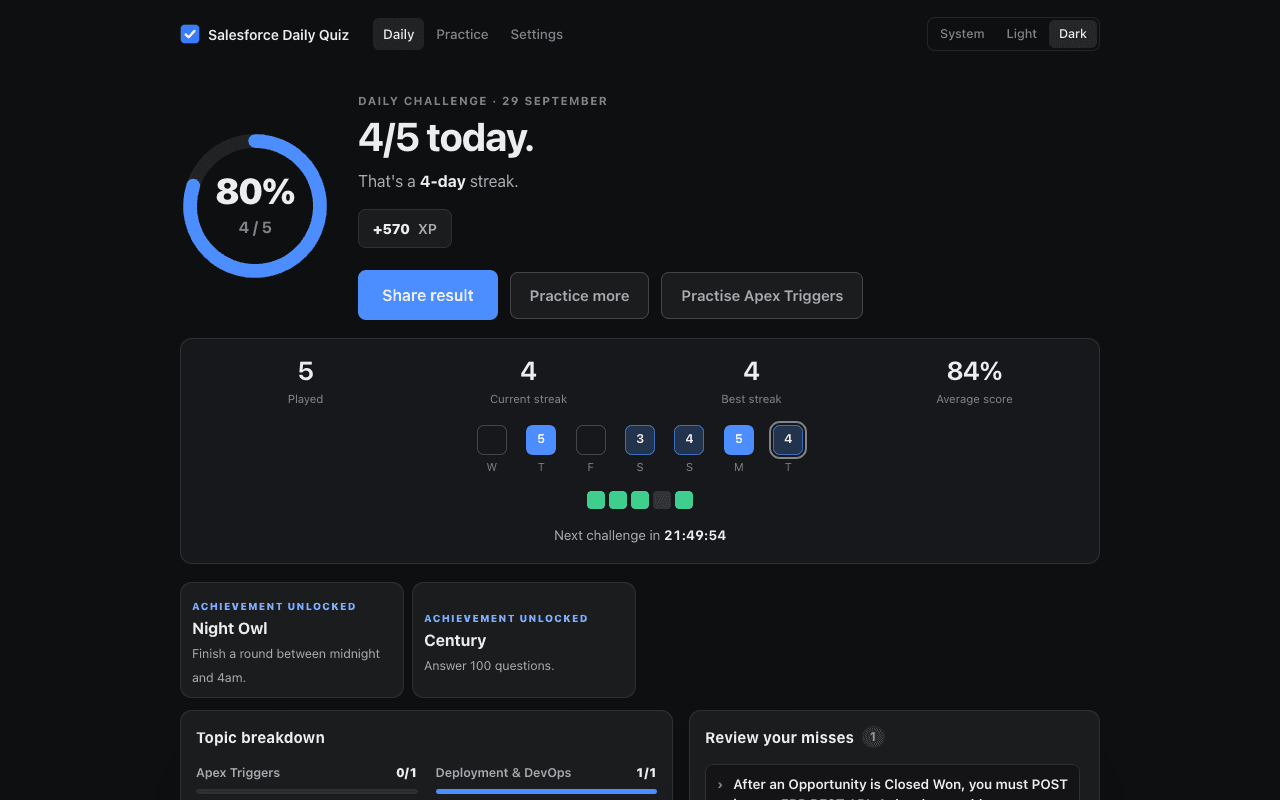
Results 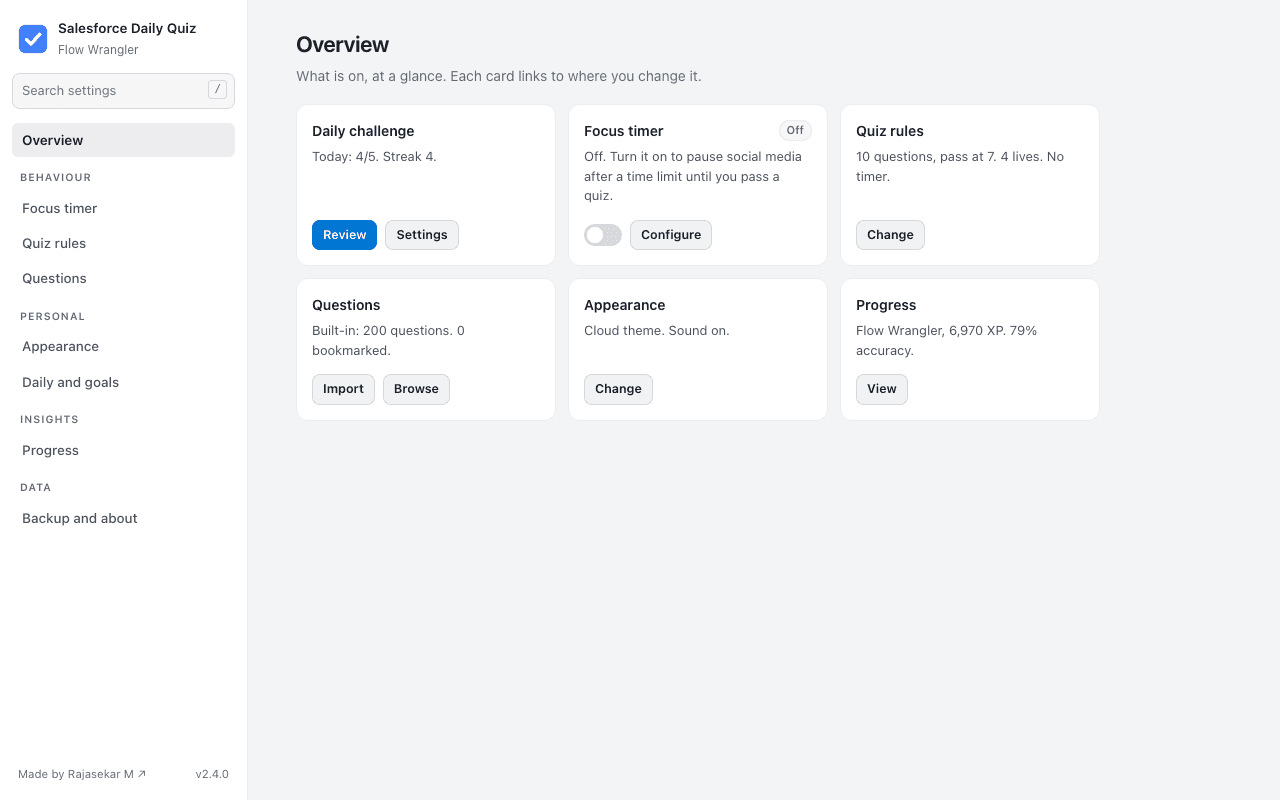
Options
Features
Built to make studying feel like a game
- Lives and streaks
- Hearts for wrong answers, and combo multipliers for answers in a row.
- XP and ranks
- Experience points on every quiz, with ranks from Trailhead Rookie to CTA Legend.
- Lifelines
- 50:50 removes two wrong answers; swap trades a question for another one.
- Optional question timer
- A per-question countdown, with a speed bonus for answering quickly.
- Achievements and daily goals
- Goals for the day, a day streak, and achievements for milestones along the way.
- Keyboard and sound
- Keyboard controls for answering, plus sound effects and confetti. Sound packs and motion level are adjustable.
Settings
Almost everything is adjustable
Look and feel
- Five minimal light and dark themes, one that follows your system, and a custom accent colour
- Font and text size
- Motion level
- Sound packs
The quiz
- Questions per quiz and pass mark
- Lives on or off
- Difficulty mix and topic filter
- Explanations mode
The timer
- Time limit and time earned per pass
- Focus schedule by day and hour
- Daily reset
- Always-allowed URLs, such as learning channels
Everything else
- Emergency passes
- Your own “why” on the lock screen
- Custom sites to track
- Backup and restore
Install
Get it running in Chrome
Chrome Web Store
Coming soon. Once it’s listed, installing and updating will be one click.
Unpacked, from the zip
- Download salesforce-daily-quiz.zip and unzip it.
- Open chrome://extensions in Chrome.
- Turn on Developer mode, top right.
- Click Load unpacked and choose the unzipped folder.
Privacy
Nothing leaves your browser
- Everything is stored in your browser’s own extension storage.
- No account, no server, no analytics, no tracking.
- Nothing you do in the extension is sent anywhere.
Built with Manifest V3 · Vanilla JavaScript · No dependencies
Contact
Questions or feedback on Salesforce Daily Quiz? Reach me at mrajasekar.dev@gmail.com, on LinkedIn, or by booking an intro call.